







the Complete Guide to
Showit Websites
a love letter to my fellow business owner trying to figure out their website...
If you’ve ever wished you could drag, drop, tweak, stretch, rotate, and customize your website like a Canva graphic (without breaking anything)… you’re going to fall in love with Showit.
In this guide, I’ll walk you through *everything* you need to know about Showit, like what kind of pricing they offer, how SEO works with Showit, all the features, and of course, where to get your hands on some gorg' templates, PLUS real examples, tips, and resources from my own experience designing dozens of Showit sites.
Kristin Pruis, Web Designer & Showit Design Partner Since 2022
keep reading for the full breakdown...


Showit is a code-free website builder that lets you design exactly what you want without touching HTML or CSS.
And my favorite part of alll... *drumroll please*... It connects with WordPress so you can blog and plug-in to all the apps to your heart's content. Honestly, it's giving custom design with a dash of SEO brawn and none of the headaches of those traditional puny websites.
If you’re over cookie-cutter layouts, endless restrictions, or creative constraints, it's past time to switch your website to Showit.
Girl. I was WAITING for you to ask. Grab your iced latte and let’s talk!
You better spill! What is Showit?
so... i'm kinda interested now.
I know how frustrating it is to not be able to design your site the way you want. But you don't have to suffer in silence anymore. It's time to educate yourself on what else is out there...
(…because not all website builders are built the same)

- Squarespace is cute until you want to actually move things around. Cue: instant regret.
- Wix can be fun… You know... in the way glitter crafts are fun, until you realize you can’t ever get rid of the mess and now you have to live with it.
- WordPress is powerful, but finding a website theme or builder to pair with it that doesn't also break your site every third Tuesday of the month is exhausting.
let's talk about it...

Showit Websites vs. Those Other Guys

here's why Showit Wins (Every. Single. Time.)
Because you deserve a gorgeous, money-making website that doesn’t require tech therapy on the side.
Get the SEO strength, plugin compatibility, and content system of WordPress… without dealing with themes + builder chaos.
Blogging Power
Place elements anywhere on the page — pixel by pixel. No invisible grids. No “you can’t put that there.” Just pure creative control.
Drag-and-Drop Freedom
Zero Coding Required
Leave the HTML nightmares + CSS headaches behind sis. Showit offers stupid-easy tools that feel like designing in Canva, for your whole website.
Showit vs Wordpress: Why Not Use Both for Your Website?
We put Showit head-to-head with the most popular website platforms... and the results are kind of delicious. Here’s how Showit rises above, and why modern personal brands are making the switch.
Ready for the Receipts?
Showit vs. Wix: A Designer’s Honest Breakdown
Website Builder Comparison: The Best Platform for Your Website
Let's break it down...
Showit vs Squarespace: What’s the Difference


Ok. So, what does Showit cost?
- if you want to blog or need to migrate a blog
- if you want advanced plugins
- how much website traffic you have
Showit's cheapest plan, at $27/month, is very comparable to Wix and Squarespace. You can also start on the smallest plans and easily glow up later as your business grows. If you want the full breakdown with everything about the pricing explained, read:
read next:
Showit Pricing Tiers Explained: Which Plan is Right For You?
Wait… but what about Showit & SEO
Good news: Showit is v. SEO-friendly. It gives you full control over page titles, meta descriptions, URL slugs, and image alt text... and because it integrates directly with WordPress for blogging, you get the full power of the strongest content platform on the web.
These are the kind of tools Showit gives you to help you rank higher in search:
SEO title tags
Meta descriptions
Image Alt text
Header tags
WordPress Blog

Ok, but can I rank with
Showit on Google?
Ok, but can I rank with Showit on Google?
WHY YES, YES YOU CAN...


No website platform is going to magically do your SEO for you, but with the right tools at your fingertips you can absolutely rank your Showit website in search results!
I know because, Showit's SEO tools are the same ones I've used to rank my own website for hundreds of keywords and get thousand of free visitors to my site every month. Lucky for you all of my Showit templates come with detailed how-to tutorials so you can be sure your websites SEO is set up for success.
For all the nerdy details on SEO with Showit, read:
Showit SEO Secrets
read next:
Hallelujah! If you're desperate for that fine-tune creative control on every screen and size, you're in luck!
CUSTOM MOBILE DESIGN
Showit features that make creatives feral...
When they say Showit allows you to "put anything, absolutely anywhere", they really mean it.
total DESIGN freedom
Global reusable sections of your website like your menu and footer — but so much cuter and more versatile.
Site Canvases
Edit the colors of your SVG icons directly in Showit to help speed up your workflow without compromising quality.
PIXEL-PERFECT ICONS
There are the obvious perks of Showit… and then there are the OH-MY-WORD perks. If you’re the person who rearranges the throw pillows 78 times until it just feels right, Showit is probably your love language.
Yes!! Showit gives you full control over page titles, meta descriptions, URL structures, and image alt text. Because it integrates directly with WordPress for blogging, you get the SEO power of WordPress combined with Showit’s design freedom. As a Showit Design Partner who has built dozens of Showit sites, I consistently see clients ranking on Google when they pair a well-structured Showit site with consistent blog content. Plus, I am able to rank my own website easily, which is probably how you found this page in the first place 🙂
Showit offers three main hosting plans: Standard (website only, no blog) starting around $27/month, Basic Blog (website + WordPress blog) around $34/month, and Advanced Blog (full WordPress plugin access) around $49/month. If you do annual billing, it saves you about 20%. Most small business owners and coaches do best on the Basic Blog plan. Always check Showit.com for the most updated pricing.
Yes!!! And honestly, that’s one of Showit’s biggest advantages. Your Showit website design lives on Showit’s platform, while your blog runs on WordPress. This gives you Showit’s drag-and-drop design freedom on the front end and WordPress’s SEO tools, plugins, and content management system on the back end. It’s win-win!
Showit doesn’t have built-in ecommerce, however, you can integrate third-party platforms like WooCommerce (via the Advanced Blog plan), or ThriveCart, Shopify’s Buy Button, or other embeddable shopping tools. Businesses that offer both products + services use Showit as their primary site and embed a shop from a separate platform. If you are only selling products (and no services), I would choose Shopify over Showit because it has more of the built-in features that will impact your bottom line.
Everyone will have their own preferences, but for design freedom and SEO, I think Showit is the winner. Showit lets you place elements pixel-by-pixel anywhere on the page with no grid restrictions, while Squarespace has more rigid layouts. Squarespace includes ecommerce and analytics natively, which Showit doesn’t, so it depends on what is most important to you! For creatives, coaches, and service providers who prioritize a custom-looking site and blogging for SEO, I think Showit is the better option.
Showit is best for creatives, coaches, photographers, speakers, authors, consultants, and service providers who want a visually stunning, custom-looking website without hiring a developer. It’s especially powerful for anyone who wants to blog for SEO, since the WordPress integration is seamless. It’s not the best fit for businesses that need out-of-the-box e-commerce or complex sites with lots of integrations.
Yes. Showit has an official template marketplace, and many independent designers (including K Design Co.) sell premium Showit templates. Templates typically range from $250–$800+ and can be fully customized in the Showit editor without code. K Design Co. offers templates specifically designed for coaches, speakers, authors, and female service providers.
Using a template, a Showit website can be customized and launched in as little as 1-2 weeks. DIY timelines vary depending on how quickly how large your site is and how many brand assets you have to start with such as logo, color palette, fonts, images. A completely custom Showit website built by a designer typically takes four to eight weeks from kickoff to launch.
Your Showit Questions.... Answered!
Find your dream site...
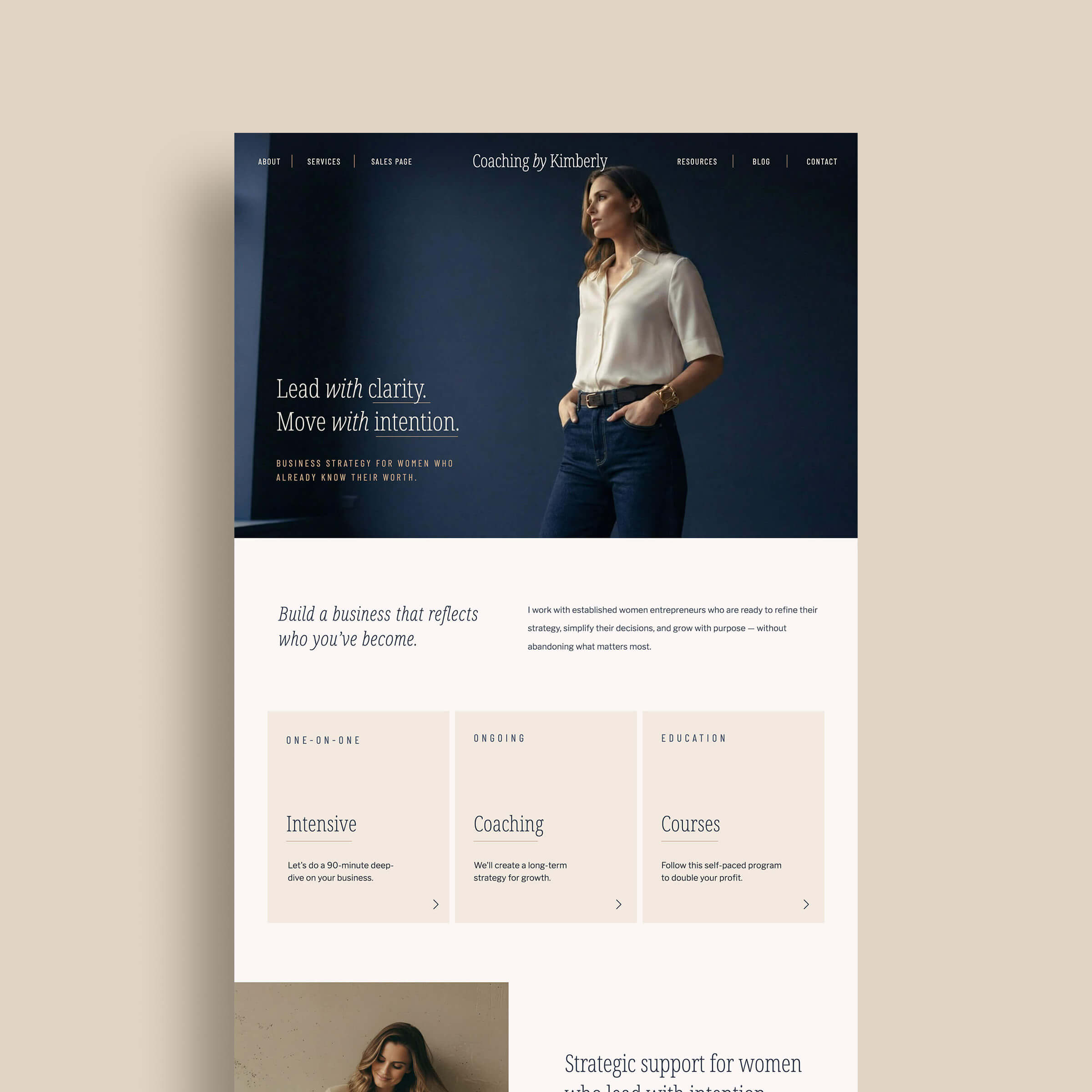
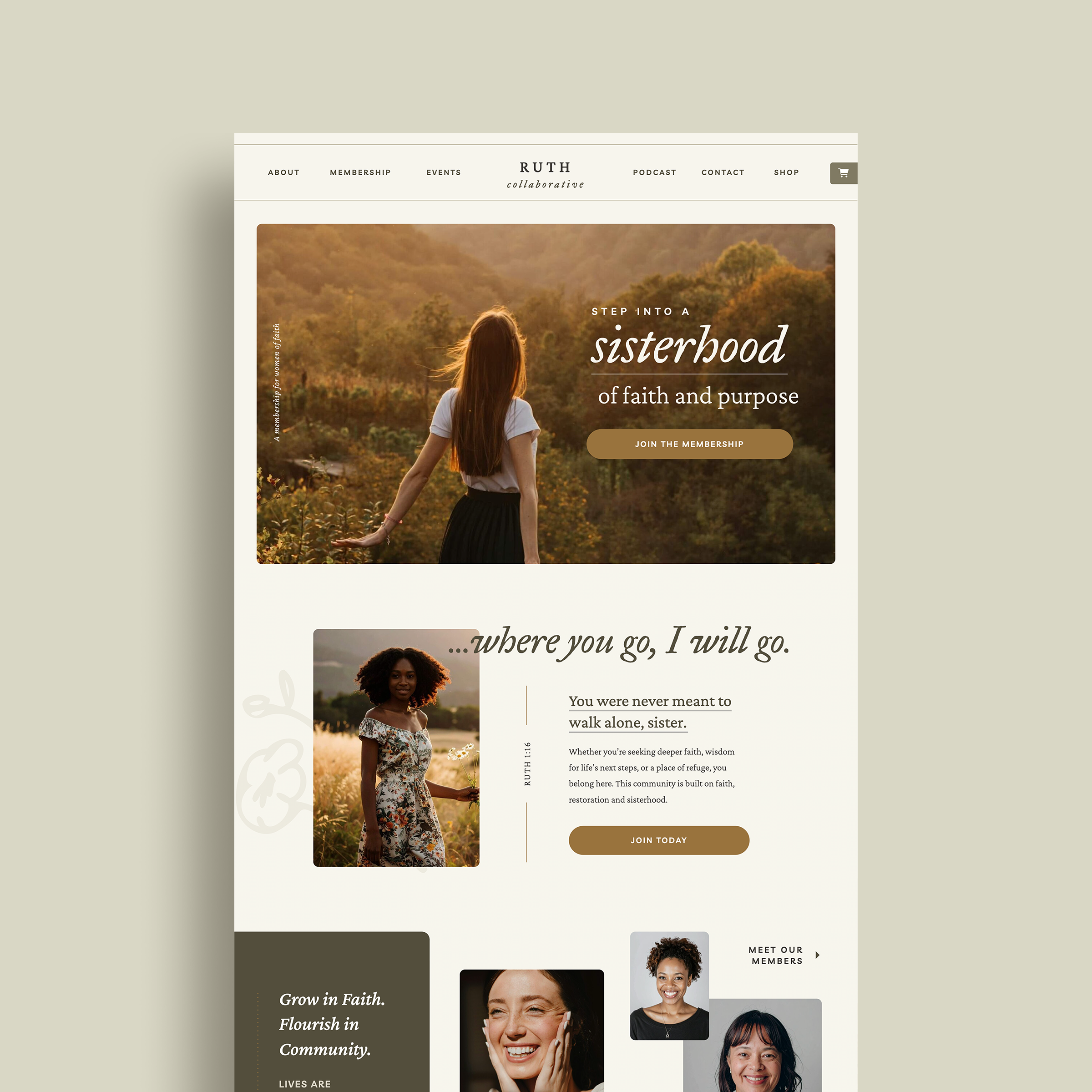
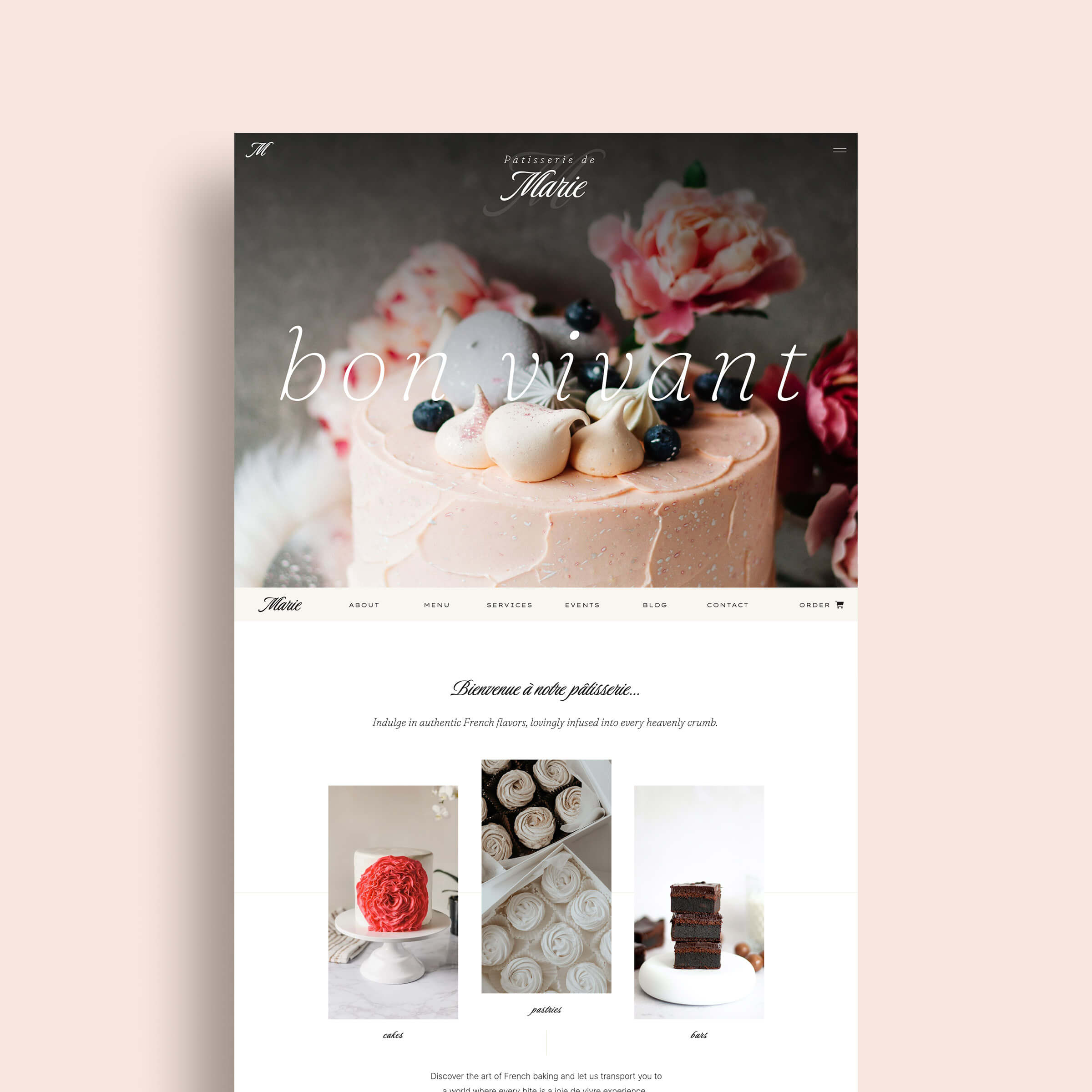
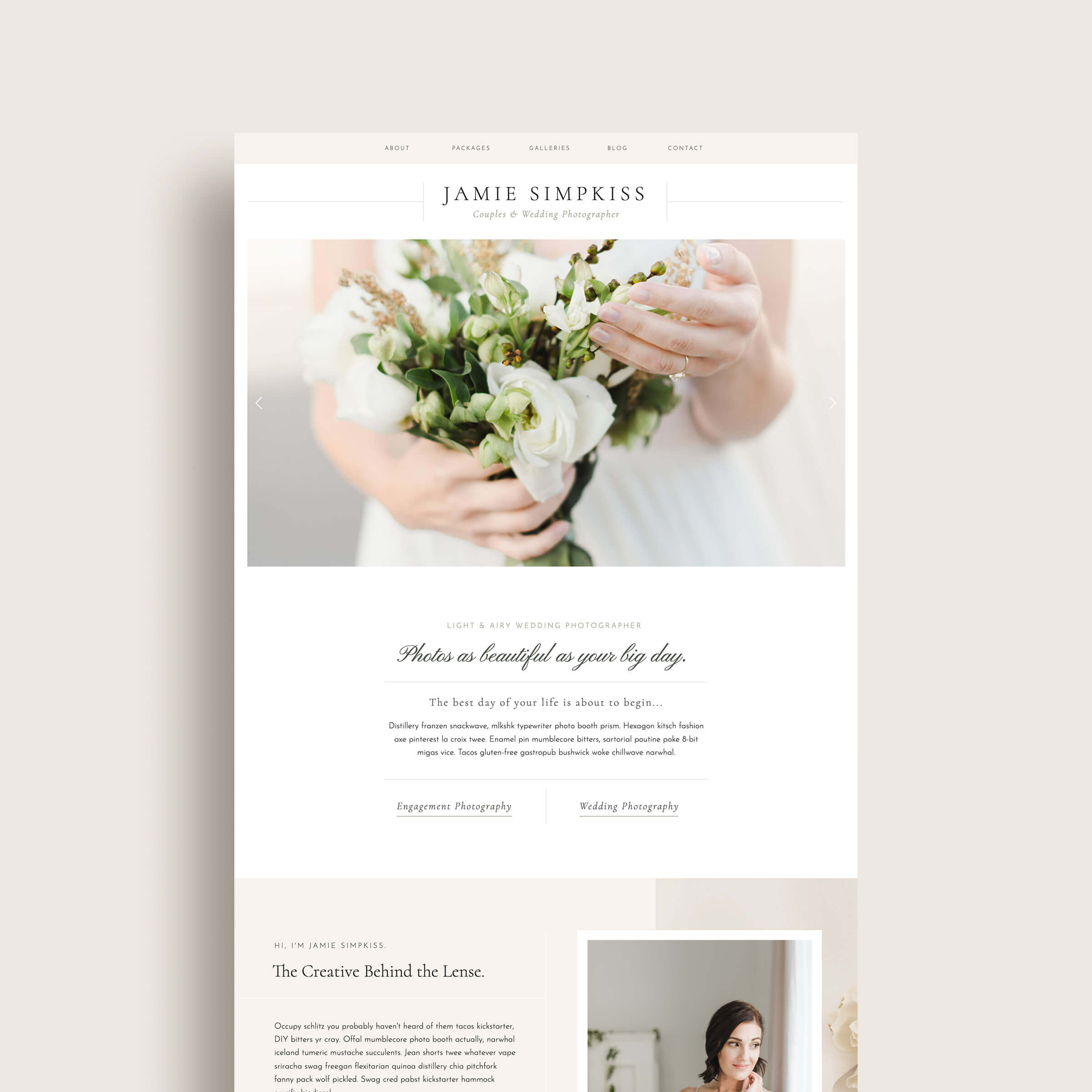
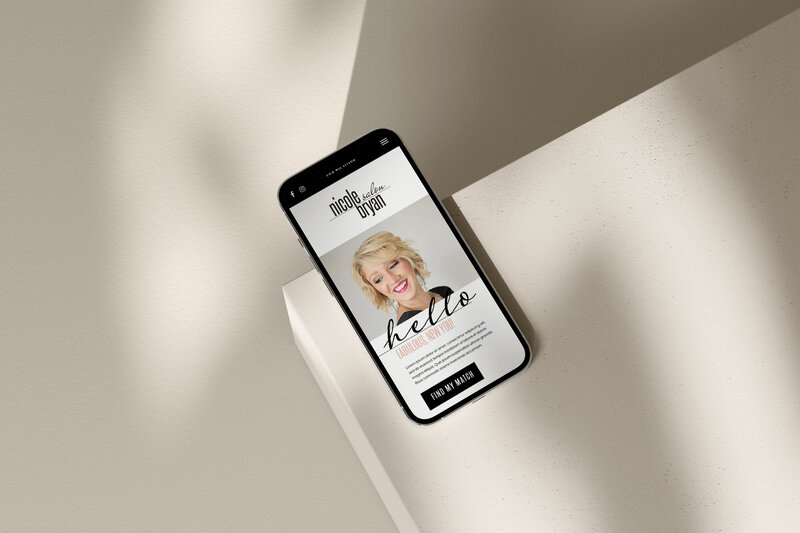
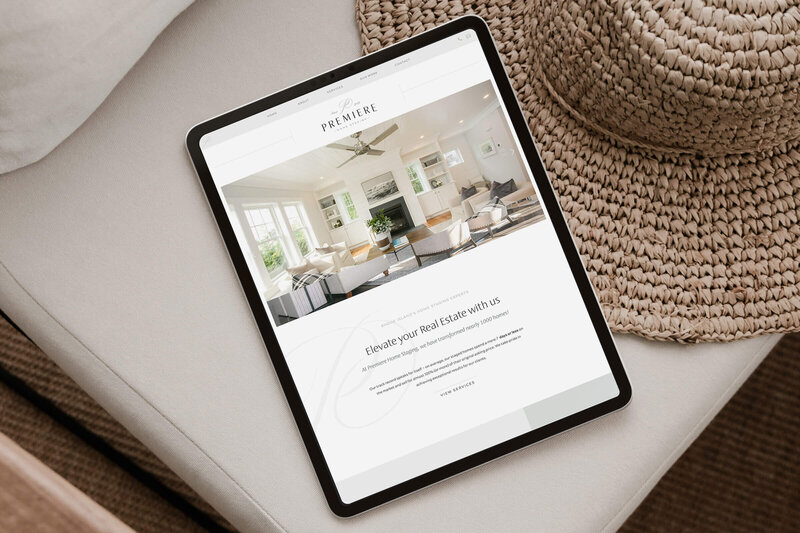
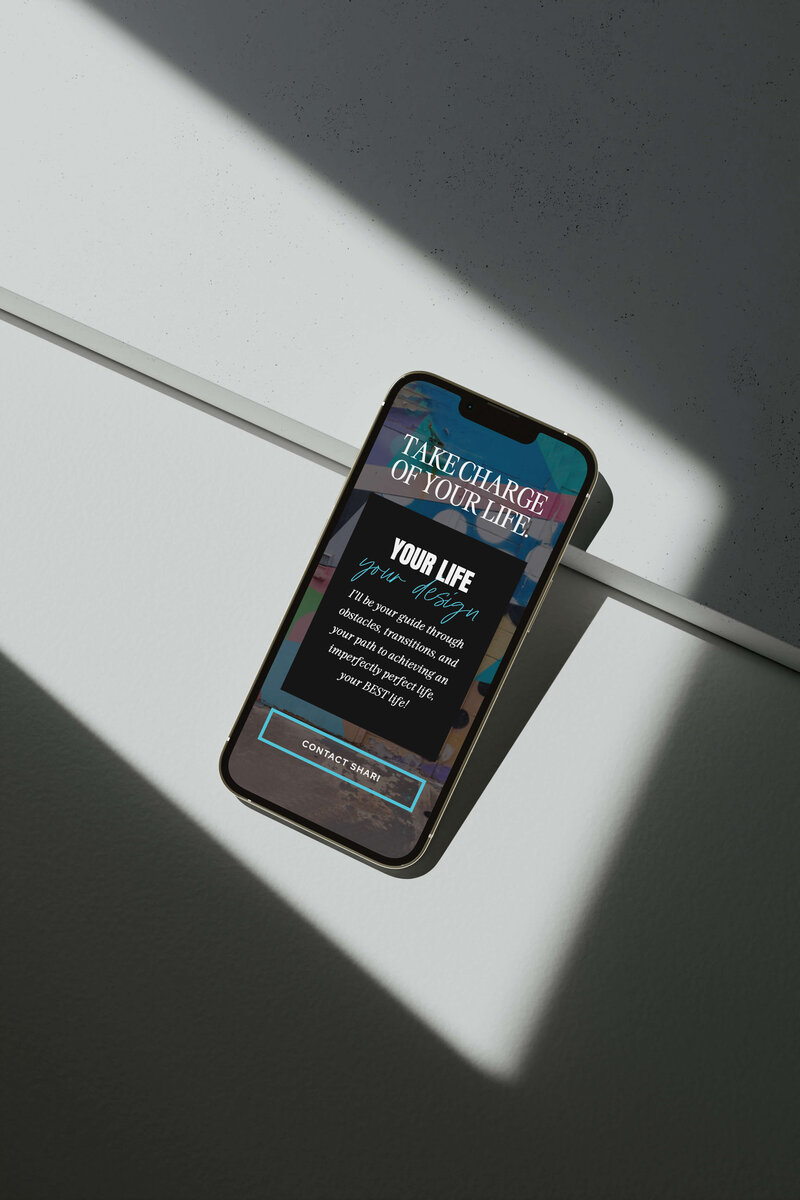
These Showit website templates were made for coaches, creatives, and service pros who want a brand that looks $$$, converts like crazy, and doesn’t require a tech degree.