



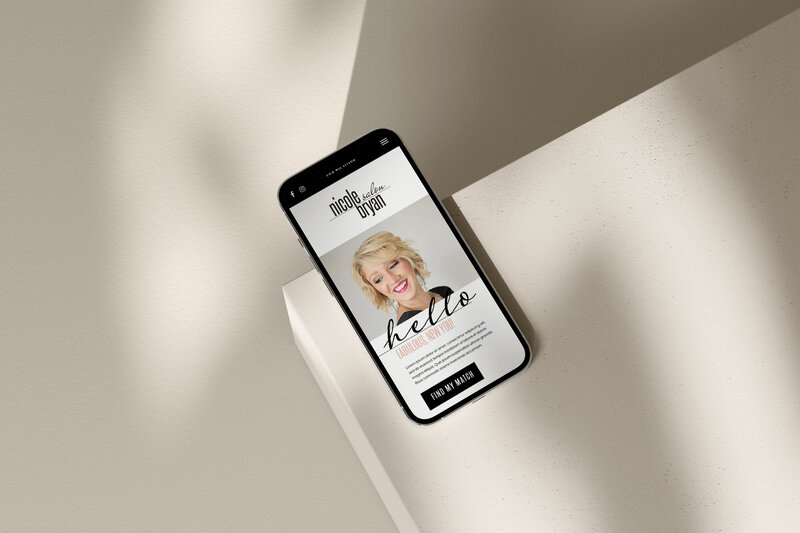

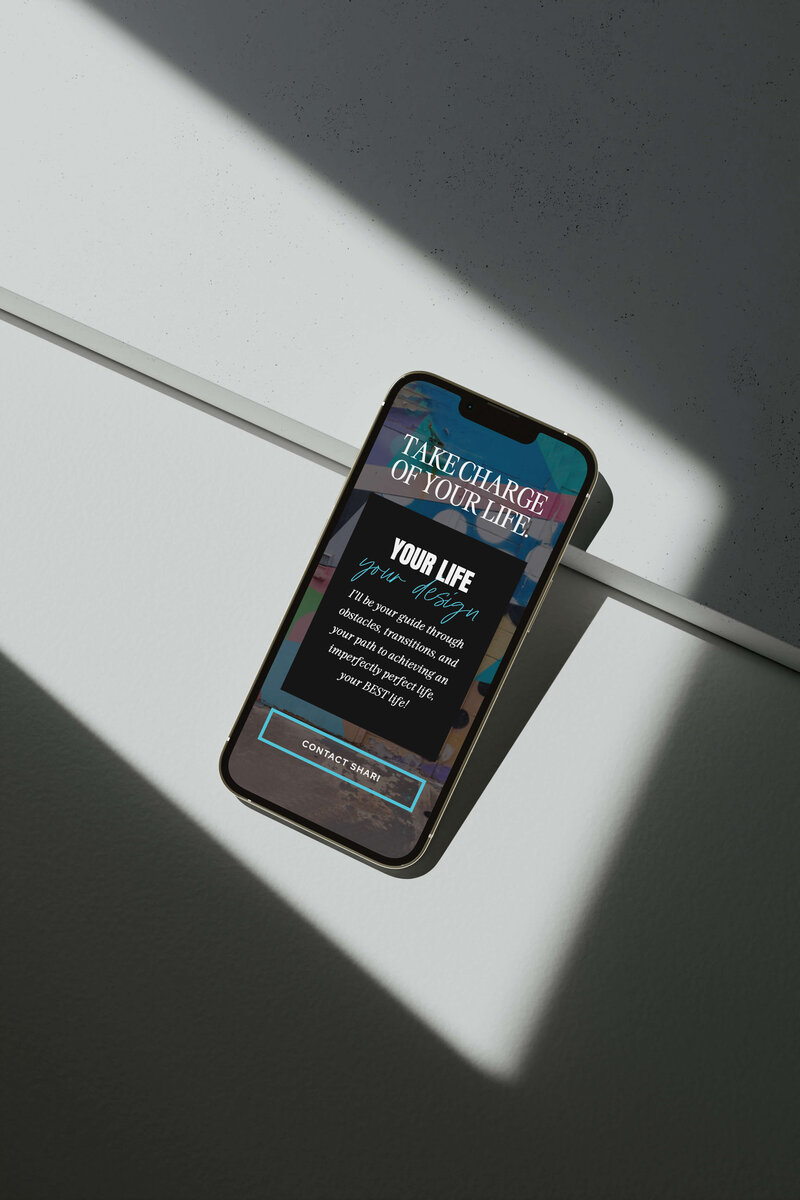









If you’ve ever fallen down the “what’s the best website builder” rabbit hole, you know how it goes. There are a million opinions, thousands of conflicting blog posts 😉, and about three hours later, you’re still not sure which platform to pick.
I’m here to make it simple as someone who has designed in both Showit and Wix, and I’ve helped dozens of clients find a platform that fits their needs (and their personality).
Both have their strengths, but provide very different experiences.
So, if you’re trying to decide which one’s right for you, this is the no-fluff, designer-backed breakdown you’ve been looking for.
Showit vs. Wix: Why I Made the Switch

When I first started designing websites, I wanted to leave clients with sites they could actually use themselves, not ones that required hiring a developer every time they wanted to swap a photo or update text.
Showit was the first platform that made that possible.
It let my clients take ownership of their sites, experiment confidently, and make small updates on their own without fear of breaking….anything.
The result was that my clients finally had a website that could inspire them to explore new ideas, services, and concepts, rather than causing tech stress.
That was my “aha” moment: Showit doesn’t just make beautiful sites, it empowers clients to make full use of them.
Wix Websites: Easy to Start, Harder to Customize
Wix deserves credit where it’s due. It’s made website creation incredibly accessible for people who just need an online space to call home, especially for beginners.
Here are a few of the pros of Wix in my opinion…
AFFORDABLE PLANS AND BUILT-IN HOSTING
Wix keeps things simple with affordable monthly plans that include hosting, which is a big plus for small business owners on a budget.
You don’t have to worry about managing third-party hosting or hidden setup fees because everything lives in one place.
- Wix: Plans start around $17/month for basic websites and go up to $32/month for business/eCommerce plans (domain hosting included).
- Showit: Design starts at $24/month for basic sites, $29/month for starter blog sites, and $39/month for advanced blogging sites (domain hosting not included).
Wix can be slightly cheaper upfront, and its all-in-one setup makes it easy to get a site live quickly without juggling multiple accounts or extra costs.
For someone who just wants a functional, no-fuss website, that’s a major perk.
DOZENS OF READY-TO-GO TEMPLATES
Wix has a huge library of modern, ready-to-go templates that make it easy to launch a good-looking site in a single afternoon.
You can pick a design that fits your industry, add your content, and you’re basically ready to publish.
It’s ideal for business owners who don’t have a designer’s eye but still want a site that looks professional. The downside, of course, is that a lot of Wix sites end up looking similar, but it’s a great starting point for someone testing the waters.
QUICK-N-EASY SETUP
Wix’s drag-and-drop builder is one of its strongest features because it’s genuinely beginner-friendly.
You can move elements around visually without touching code, which makes the design process feel approachable even for total non-techies.
It’s intuitive enough that most people can figure it out in an hour or two, and you can see your edits update in real time.
That said, the same flexibility can cause headaches when it comes to mobile optimization. Given some of Wix’s design restrictions, you might not have the same creative flexibility when designing for smaller screens, meaning you might spend extra time manually adjusting layouts for mobile.
This isn’t always a dealbreaker, but it’s something to keep in mind if you expect your target audience will find you or explore your site on a hand-held device (and news flash: it’s estimated that about 60% of your web traffic will).

Related Blog Post: How to Launch a New Website (10+ Step Checklist)
Showit Websites: Photoshop Meets Drag-and-Drop Flexibility
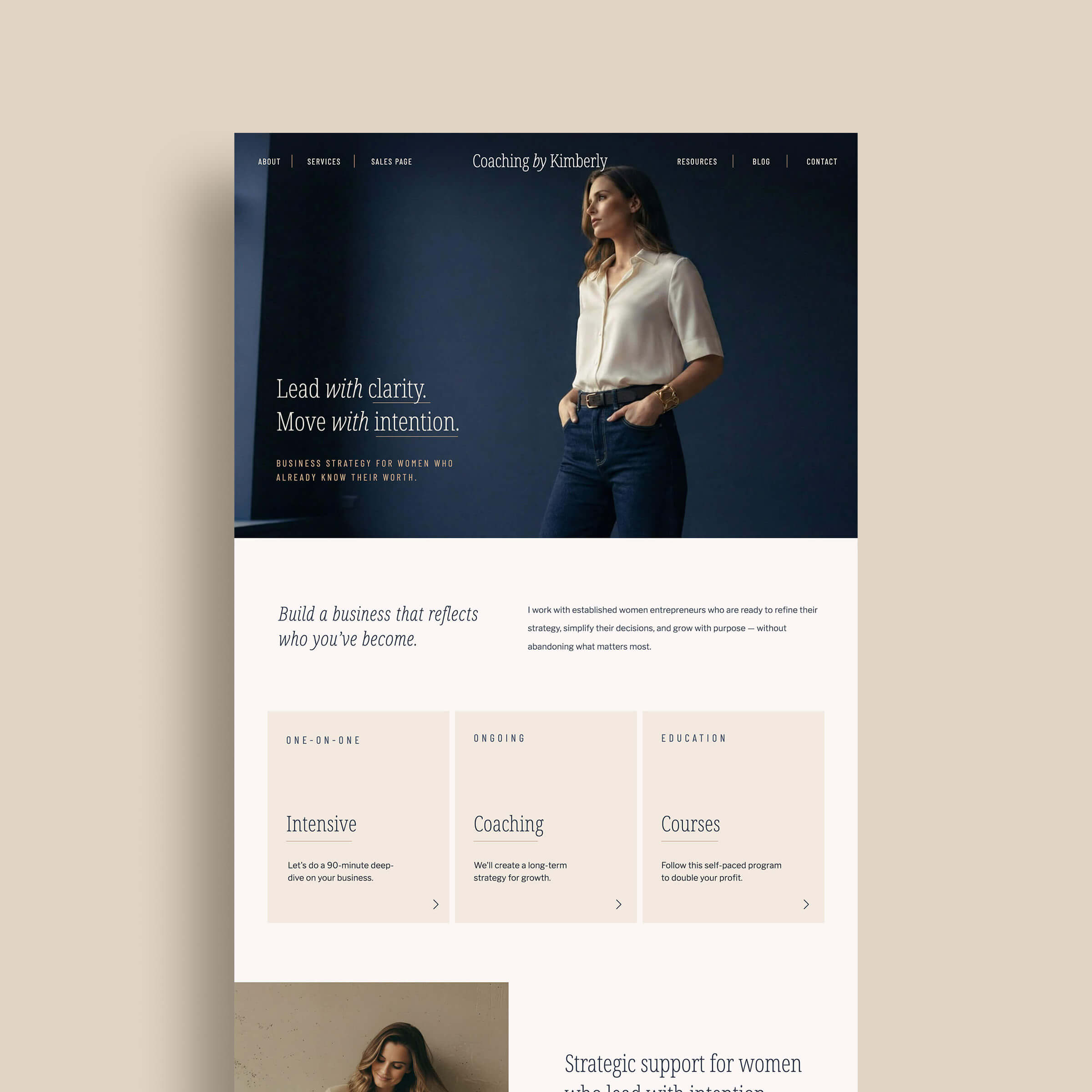
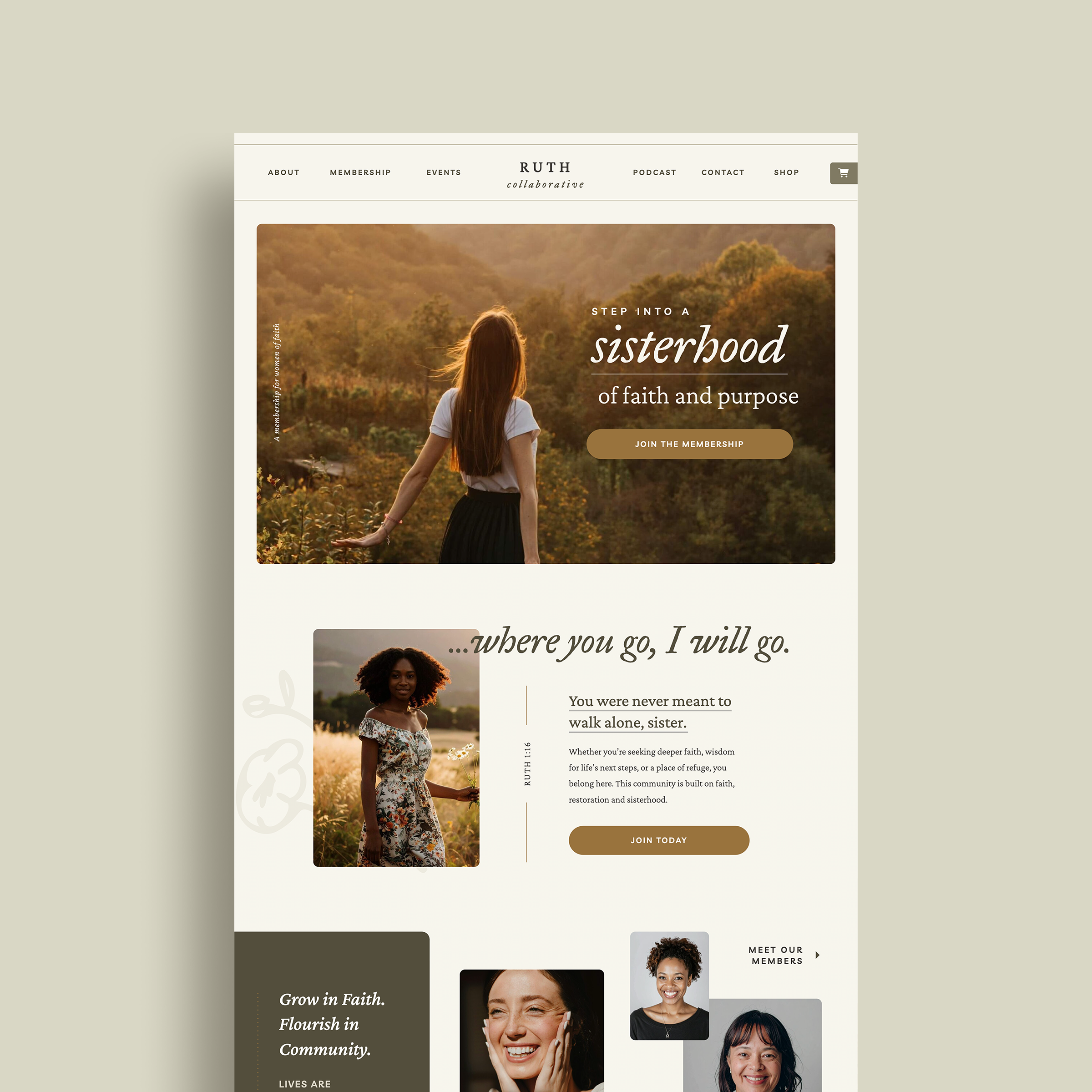
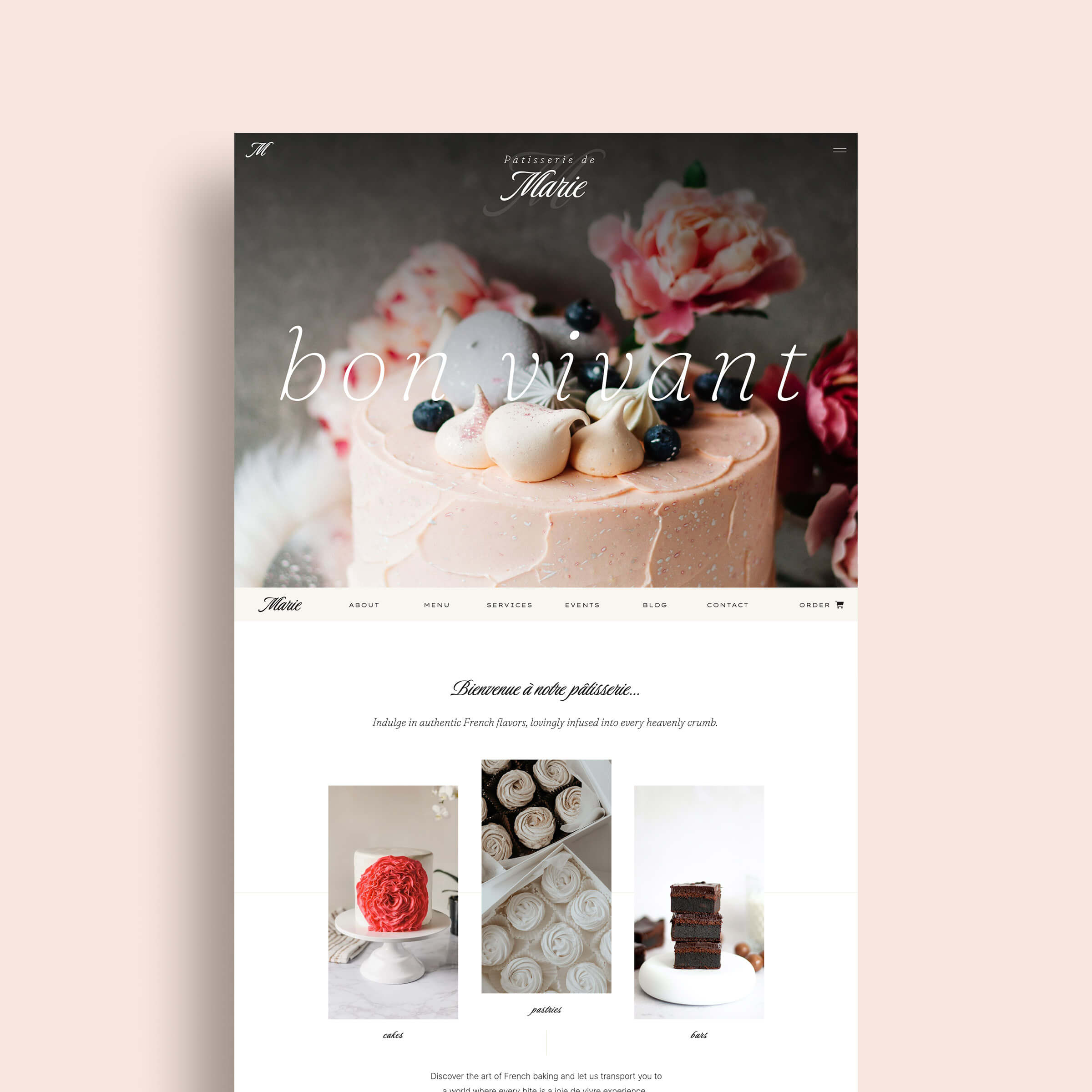
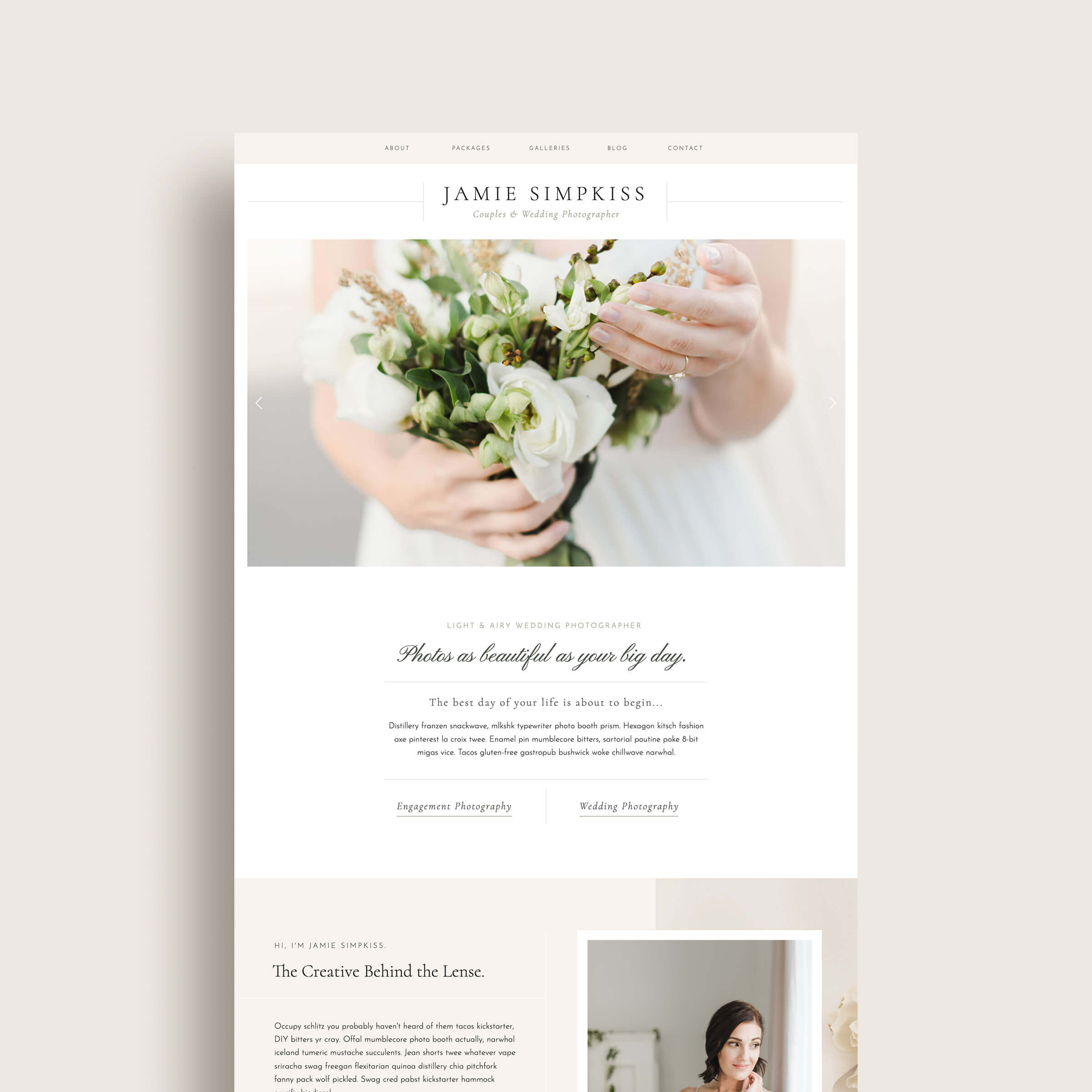
If Wix is like a well-organized apartment with pre-set furniture layouts, Showit is a blank loft with floor-to-ceiling windows and zero rules.
It’s built for creatives who want their website to feel uniquely theirs, not a slightly edited version of a template they’ve seen 20 times before.
Here’s why I describe Showit as “Photoshop meets drag-and-drop simplicity”:

Related Blog Post: 7 Hidden Showit Features That Will Make Your Website Look Next Level
TOTAL DESIGN FREEDOM
Showit gives you full creative control without needing a single line of code.
You can move, layer, and overlap elements anywhere on the page, which means your site can finally look exactly the way you envisioned it.
If you’ve ever felt frustrated by not being able to design your website the way you wanted in Wix (or another website builder), you won’t experience this with Showit. For designers and visual brands, it’s a dream come true: no rigid grids, no templates that box you in, and no settling for good “enough.”
SEAMLESS WORDPRESS INTEGRATION
Showit quietly wins the SEO game because it integrates directly with WordPress.
That means you can design visually in Showit while still using powerful WordPress tools like Yoast or Rank Math to optimize your blog and pages. It’s truly the best of both worlds — creativity on the front end, strategy on the back.

Related Blog Post: How Showit Works with WordPress: Getting to Know Your Showit Blog
BUILT BY CREATIVES FOR CREATIVES
Showit was originally created for photographers who needed an easy way to showcase their work, which explains why it’s so visual, intuitive, and beautifully designed from the ground up.
Over time, it’s grown into a favorite for all kinds of creative entrepreneurs, from designers to coaches to boutique brands. The platform is built around visuals, making it easy to update galleries, swap layouts, and fine-tune details without ever touching code. My clients love that they can log in, drag-and-drop, tweak, and publish changes themselves, without breaking their site (or busting their confidence).
Website Builder Comparison: Functionality + Flexibility

When it comes to functionality, this is where Showit and Wix really start to part ways.
Wix handles pretty much everything in-house: hosting, blogging, analytics, and even e-commerce, which can be great if you want to keep things simple and contained.
The downside? You’re limited to only the features Wix provides. If there’s something you wish it did differently, you’re kind of at its mercy. For businesses that plan to grow, that “all-in-one” setup can start to feel a little restrictive over time.
Showit, on the other hand, was built with integration in mind.
It connects seamlessly with platforms like WordPress, Shopify Starter, Thrivecart, and Flodesk, letting you expand your website’s functionality as your business evolves.
Whether you’re adding a blog, email marketing, or digital products, Showit makes it easy to layer on new tools without rebuilding your entire site from scratch.
TLDR: Wix gives you structure. Showit gives you structure and flexibility. As your business grows, Showit grows right alongside you — instead of boxing you in.
The Final Verdict: Why Showit Comes Out on Top

At the end of the day, both Showit and Wix can help you get your business online, but they don’t deliver the same experience.
Wix is a great starting point if you need something quick and functional. But if you’re ready for a website that actually feels like your brand, gives you creative freedom, and grows with your business, Showit is where the magic happens.
At K Design Co., we design Showit templates that give you the best of both worlds: strategy and style.
Each template is intentionally built with flexibility, SEO readiness, and creative freedom baked in, so you can launch with confidence.
Whether you’re a photographer, designer, podcaster, or small business owner, our templates make it easy to start with something beautiful and fully customizable from day one.
If you’re ready to design like a pro (without hiring one), explore our collection of Showit website templates and find your perfect match. And if you’re ready to get started with Showit today, use our special referral link to get your first month free!
Related Post: Showit vs Squarespace: I’ve Used Both + Here’s What I Actually Think
You might also like these Showit reads: