





ChatGPT can do way more than you might think. Here’s how to put it to work in your small business.
A fancy website and killer brand photos aren’t the only things that can set your business apart.
Sometimes, it’s how you use your tools.
Most people think ChatGPT is just for writing captions or drafting emails, but what if I told you it could help you design moodboards, map spreadsheets, brainstorm content campaigns, and even script your next video?
If you’re still using ChatGPT like a glorified intern who only knows Instagram, you’re missing the fun stuff.
And honestly…the smart stuff.
Over half of small businesses are already using AI tools like ChatGPT to improve efficiency (Constant Contact), but most are only scratching the surface.
The real magic comes when you use it creatively – not just to fill your content calendar, but to spark ideas and make your day-to-day workflow a whole lot lighter.
That’s why I wanted to share some creative ways you can use ChatGPT for your business that you probably haven’t tried yet:
Moodboard Ideas

When I start a new brand project, I love playing with vibe before I ever touch the fonts or colors.
ChatGPT is surprisingly good at spitting out descriptive keywords, pop culture references, and even photo style prompts that help me clarify a brand direction.
For example, I’ll ask: “Give me 15 words to describe a brand that feels like ‘modern apothecary meets boutique coffee shop.’”
Then I can take those words and pull images from Pinterest, Dupe Photos, or Pexels. It’s like brainstorming with a friend who doesn’t get tired of my oddly specific references. Lol.
Bonus tip: Ask it to create 3–4 brand aesthetic descriptions, then choose the one that feels the most on point for your client, so you have a strong idea of direction before choosing supporting brand elements.
Spreadsheet Shortcuts (That Save Hours)
Spreadsheets: love them or hate them, they’re unavoidable.
But instead of wasting 30 minutes Googling, “how to write an Excel formula,” I now just ask ChatGPT.
No, really. It’s as easy as that.
Simply paste in what you’re trying to do, and it will write the formula for you.
Even better… it’ll explain it like you’re five. I’ve used it to create ad expense trackers, time logs, and even chore charts for my family.
According to FreshBooks, small businesses using AI save an average of 2.5 hours a day on administrative tasks.
That’s not just time saved… that’s sanity saved, too.
Scriptwriting Made Easy
If you’ve ever sat down to record a Reel or a YouTube video and immediately forgotten how to say words, then your entire world is about to change.
Instead of winging my script and trying to record the same 5 sentences for 3+ hours, I’ll throw ChatGPT a quick prompt: “Write a 30-second script for a Reel explaining why font licensing matters, in a casual and funny tone.”
Boom. Now I have a starting point.
You don’t have to read it word-for-word, but it can help you avoid the dreaded “ummm, so yeah…” while talking on camera. Take your script to the next level by downloading the Teleprompter app and make recording your Reel even easier. What used to take me 15+ tries and a whole of frustration, can now be done in just one or two takes! I seriously don’t think I could ever go back to doing all this manually.
Creative Brainstorm Buddy
Sometimes your brain is just… tired.
And when you’re a small business owner, you still need to come up with ideas.
I use ChatGPT as a low-pressure brainstorm partner.
Want blog post ideas for the next quarter, caption starters, or email subject lines? It can crank out a ton in less than a minute. Then I edit, combine, and rework it until it feels true to me and I know that it will resonate with my audience.
When I use ChatGPT for brainstorming, I’m not trying to outsource my creativity completely. Rather, I’m looking for just enough of a spark or seed of an idea that I can run with.
Showit Website Coding
I’m not out here hand-coding full websites from scratch anymore. Those days are long gone for me.
Even though I am fairly competent with HTML + CSS, I’d much rather focus on the visual side of designing a website. BUT when I do need to add a little custom flair inside of Showit, ChatGPT is often my first stop.
I can describe exactly what I want, like “make this icon rotate slowly” or “give me the code for an accordion menu,” – and it’ll spit out a code snippet with an explanation in plain English.
From there, I can copy, paste, and tweak until it looks right, instead of losing hours going down a Google rabbit hole or scrolling forums. I love it because it’s like having a developer on standby who doesn’t judge my “explain this to me like I don’t know what I‘m doing” questions.

Related Blog Post: 7 Hidden Showit Features That Will Make Your Website Look Next Level
Personality-Infused Blog Outlines
This one’s big for me.
When I’m staring at a keyword like “ChatGPT for small business”, it can feel overwhelming to start from nothing.
That’s when I’ll ask ChatGPT to ask me several questions on my topic of choice, and then from there, put together a blog outline that covers what’s most relevant and important to me and my business. It doesn’t replace my voice. It just helps me avoid the “where do I even begin” procrastination.

Related Blog Post: How To Use ChatGPT to Write Your Next Blog Post Faster: AI Hacks and Prompts
Why It Pays to Get Creative with ChatGPT:

Related Blog Post: 5 Ways to Use AI For Your Website (that won’t give you the ick)
The businesses that stand out aren’t the ones asking ChatGPT for “50 caption ideas about Taylor Swift or digital marketing” every other week.
They’re the ones baking it into their workflows in ways that save time and spark ideas. And trust me, it makes a difference.
Here’s why I think stretching ChatGPT beyond the basics might be worth your time:
As a small business, you don’t have unlimited time
Most small business owners don’t have endless hours, endless team members, or endless money to keep things running.
If a tool can save you time on repetitive, tedious work, like formatting spreadsheets, drafting a client response, or proposal writing, that’s not just convenient.
That’s energy you can redirect into revenue-generating projects or the creative parts of your business that actually light you up.
And honestly, those little time-sucks add up fast. Shaving even 20 minutes here and there can mean the difference between ending your day burned out and already behind, or ending it with enough bandwidth to focus on a new idea. For small businesses, that extra capacity isn’t just nice to have…it’s often what creates space for growth.
AI is already in the chat
I think we have to acknowledge that AI is shifting how people work in a big way. For small businesses, that shift is already happening.
The entrepreneurs who are going to benefit from it most, and are maximizing their time and energy, aren’t asking, “Should I use AI?”
They’re asking, “Where can AI save me time so I can focus on what actually makes me money?” Here’s what I remind myself: For me, using ChatGPT is less about keeping up with my competitors and more about protecting my energy, which, let’s be real, is the most limited resource we have as business owners.
Consistency is the real win
When you use ChatGPT to help with marketing implementation, like drafting proposals, summarizing research, or mapping out content calendars, you’re giving yourself a system that keeps your brand on track.
Every deliverable looks and feels more polished because you’re not reinventing the wheel each and every time.
Here’s what I mean: one brand posts a caption here and there when they have time.
Another shows up weekly with blogs, newsletters, and posts that all tie back to the same clear message. Which one feels more consistent and credible to you? I’ll go first…
The Bottom Line on ChatGPT for Small Business
Hear me loud and clear: DON’T use ChatGPT to replace your own creativity, friend. It’s merely a tool that helps you make space for more of it.
When you start experimenting with things like mood boards, spreadsheets, coding, and more, you’ll realize how much lighter your workload feels.

ChatGPT can help you save time, but strategy and design are what make your brand stick. If you need more smart and creative ways to implement shortcuts that save you time and energy in your business, I’ve got two more resources I know you’ll love.
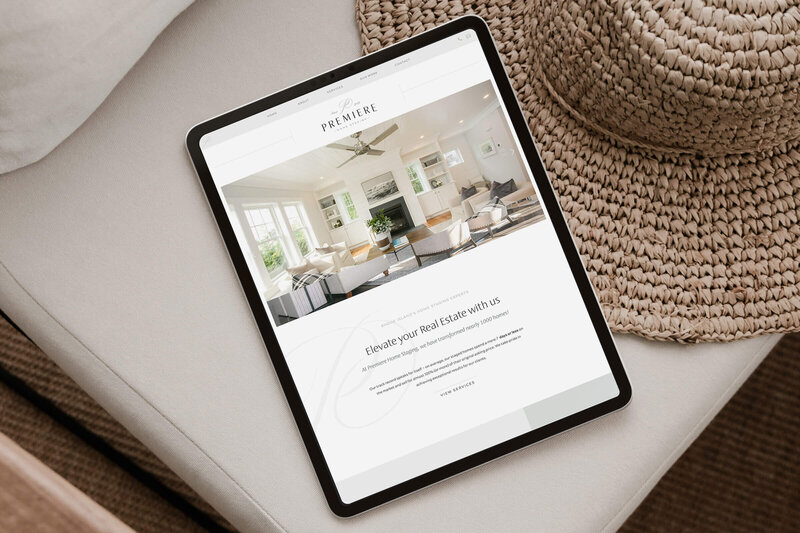
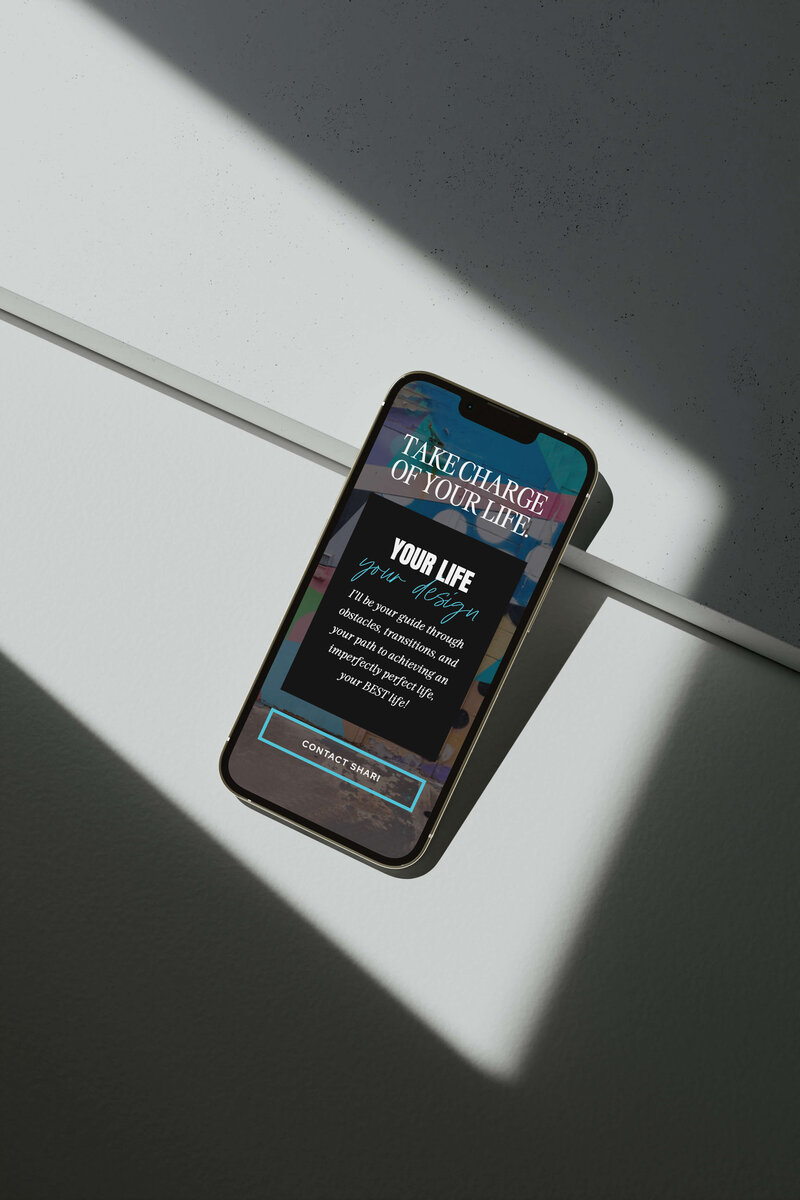
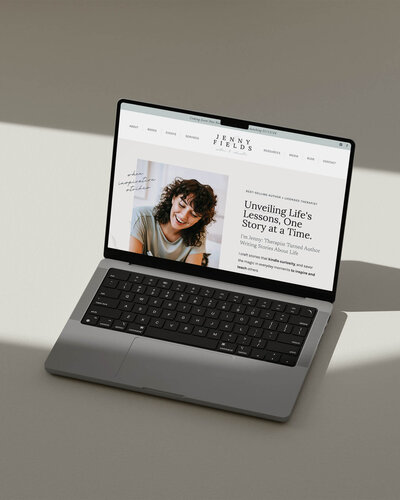
- My Showit Website templates are designed to help you launch your website faster and with a whole lot of style.
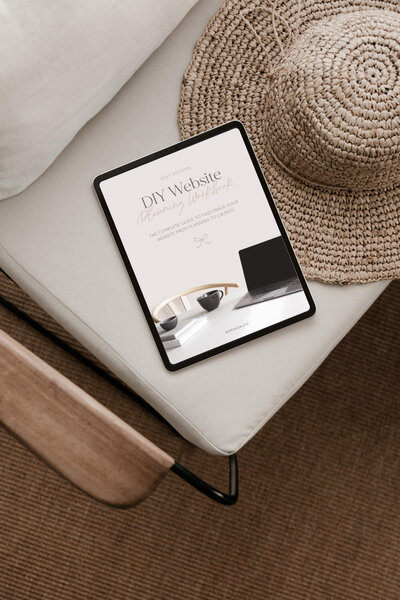
- My DIY Website Planner gives you all the pro tips you need to DIY your own website + ChatGPT prompts to write strategic website copy.
Pair your new ChatGPT workflows with a bold, strategic website and launch a site that feels polished, professional, and totally on-brand.